TrueAIR / AIRCRAFT CHARTER

Charter a
private jet

Aircraft charter arranged around your route, schedule and the way you like to travel.
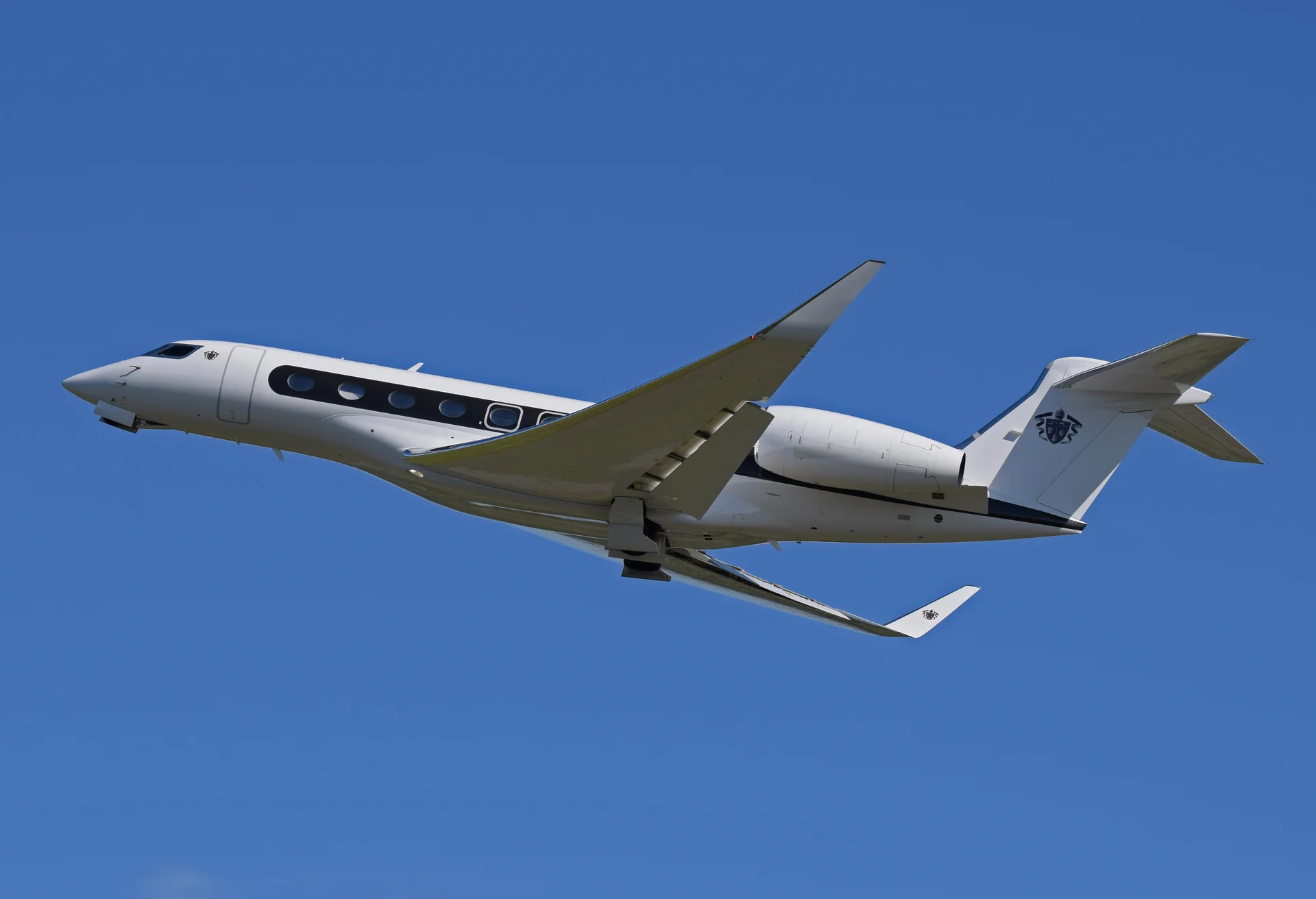
Photograph of a Gulfstream G650 in flight

ANOTHER WAY TO FLY

Another way to get away

Discover scheduled flights with Aero, Slate, JSX and other providers through your free TrueAIR Access account.

Explore By the Seat

YOUR CHARTER JOURNEY

From request
to departure

From your first request to written confirmation, follow each step with your TrueAIR team.

01

Share your itinerary

Tell us where and when you would like to fly. An email address or phone number is all you need to send your request.

02

Review your quote

Consider the aircraft, itinerary, price and terms in your personal quote. Request adjustments before you decide.

03

Request your booking

Accept with free Access to request your booking. Your flight is confirmed when TrueAIR issues written confirmation.

THE AIRCRAFT COLLECTION

Find your
preferred cabin

Find the cabin space, seating and baggage capacity that suit your party and your plans.

Embraer Phenom 300 reference photographEMBRAER PHENOM 300 · REFERENCE PHOTO

LIGHT JETS

Light jets for shorter journeys

A comfortable cabin for smaller parties and shorter journeys.

PHENOM 300 / REFERENCE CONFIGURATION

Seating
7
Cabin height
4′ 11″
Baggage
85 cu ft
View aircraft details

Specifications describe the reference model shown, not every aircraft in the category. Seating, baggage limits and amenities vary by aircraft. Member sign-in is required for model details and comparisons.

THE STANDARD BEHIND THE EXPERIENCE

Care
Confidence
At every altitude

Personal service begins with attention to the details.

CONFIDENCE COMES FIRST

Know who
operates your flight

Understand the operator, aircraft and safety credentials behind your trip. Explore WYVERN, IS-BAO and ARGUS, and the questions to ask before confirming a charter.

Our approach to safety

TrueAIR acts as an agent to its customers and is not the operator of the aircraft.

BEFORE YOU FLY

Before you fly

The essentials for planning, requesting and confirming your charter.

Am I booking the entire aircraft?

Yes. The member flight planner is for a private aircraft for your group, with one-way and round-trip requests. For individual seats on scheduled flights, explore By the Seat.

How far ahead should I request a flight?

You can submit a request for any future departure, including today. The calendar uses the departure time zone you select. Aircraft availability and final arrangements require confirmation. Call +1 (323) 302-5347 for help with time-sensitive travel.

Can I choose an aircraft with Starlink?

Select “Starlink” under “Onboard preferences” in the flight planner. It will show published aircraft marked with Starlink. If none are listed, you can ask TrueAIR to find a suitable aircraft; the requirement stays with your request.

When is my flight confirmed?

Submit as a guest with an email or phone number, or use your existing member account. Aircraft availability, a final quote and written confirmation are still required before a flight is booked. No payment is taken in the request form.

AIRCRAFT CHARTER

Let’s plan
your next flight

Plan your flightSpeak with an advisor

LET’S START WITH YOU

A personal conversation

Share what you have in mind. We’ll help you find the right place to begin.

Review your inquiry, then email it or speak with TrueAIR. Nothing is sent from this page.

YOUR INFORMATION

Your privacy

How your account, trip details and shared photos are used. Choose a topic for more detail.

Your account & sign-in

Free membership uses Clerk to verify your email and manage sign-in. TrueAIR stores your member display name, verified email, account type, company details if provided, travel preferences and saved itineraries in its account database. Each member’s records require a verified sign-in to access. Hosting, authentication and email-delivery services process information needed to provide these features.

Member details are saved so you can return to your workspace on another device. Signing out ends your current authentication session; it does not delete your saved profile or itineraries.

Company travel

Company workspaces store company membership roles and email-bound invitations. Company owners and admins can view and manage company flight requests, including employee names and trip details. Employees can view their own company requests. Personal flight requests and saved comparisons remain private. Invitation links must be accepted using the verified email they were addressed to.

Flight requests & trip notifications

Sending a flight request stores your route, dates, contact email or phone, and any aircraft or flexibility preferences with TrueAIR. You can submit without an account. Guest requests are available to the TrueAIR website owner for follow-up; company membership is not created automatically.

A guest request with an email address can be added to a personal dashboard using its receipt and a verified account with that same email. A receipt is kept temporarily in this browser tab so you can review your submission or choose to create an account afterward. Flight-request and quote notifications may include the itinerary and contact details needed to follow up on your trip.

Passengers, pets & private documents

You can save passenger names, contact details, travel preferences and optional identity documents, as well as pet photos, weight and travel notes. Passenger profiles and ID files are encrypted in storage. Adding a saved passenger or pet to a trip shares a copy of the details you select with the TrueAIR team for that booking. You choose which passenger documents to include. Later profile edits do not automatically replace details already shared with a trip.

Quotes, passenger documents and trip sheets sent to the TrueAIR trip inbox are reviewed by authorized staff before they are assigned or published to a client account. Trip documents are available through the account linked to that booking. Your published member review photos are separate from private passenger and pet files.

Member reviews & photos

Member reviews are shared with other signed-in TrueAIR members. Your chosen reviewer name, ratings, review text, uploaded photos and captions, and aircraft or operator details are visible alongside the month of travel. Your account email and exact flight date are not shown to other members.

You can edit or remove your own reviews and photos. Photos are resized and embedded location metadata is removed before display. Aircraft, operator and type profile pages group this member-reported information; they are not independent registry records.

Drafts & browser storage

Service inquiry drafts stay in your browser until you choose to email, copy or download them. Emailing opens your email app for review before you send. Downloading saves a copy to your device; copying places it on your clipboard. Carrying an itinerary into the flight request form uses a temporary handoff in this tab.

Review drafts, including photos and captions you save or autosave, are kept privately in your member account until you choose to publish them to the member community.

Trip weather

Trip weather requests use airport coordinates to obtain forecasts from MET Norway. Your itinerary dates determine which forecasts are shown. Passenger names and identity documents are not sent to the weather service.

Manage your information

You can edit saved profiles, manage trip selections and archive saved passengers, pets and ID files. Archiving removes an item from your active list; it does not permanently erase stored records or copies already shared with a trip.

For help with account information or a deletion request, contact charter@flytrueair.com. You do not need to attach an identity document to ask for help.

No paid membership is activated or payment collected. Cabin examples and type photographs show reference aircraft. Submitting a request does not reserve an aircraft.

Gulfstream G500 cabin

TrueAIR / PRIVATE AVIATION

Private aviation
Made personal